
Reset Password Tokens Don't Belong in Your URL
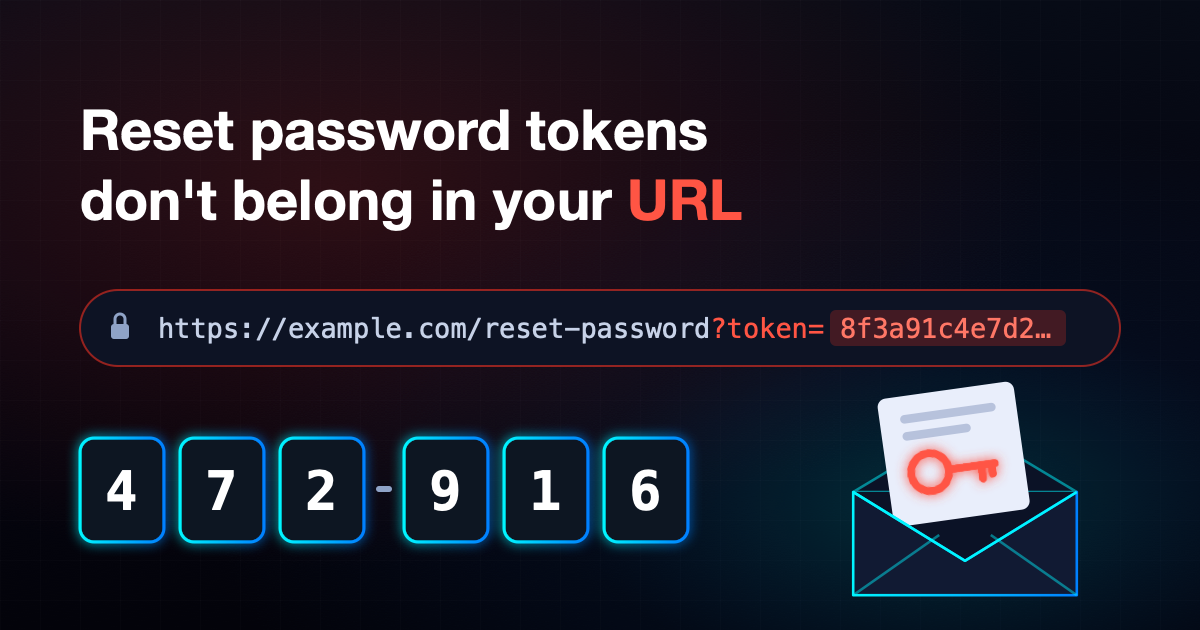
Why you shouldn't put tokens in a reset password URL
If you've ever built a forgot password journey, you've probably built this one:
- The user enters their email address.
- You generate a long random token and email them a link.
- They click
https://example.com/reset-password?token=8f3a... - Your page reads the token from the query string, checks it, and lets them set a new password.
It's simple, it's everywhere, and it's the approach described in the OWASP Forgot Password Cheat Sheet. Earlier this year I worked on a security fix for exactly this flow, and it changed how I think about it.
How the token leaked
Nothing was wrong with how the token was generated. It was random, single use and short lived. The problem was where it lived: in the URL.
For years this wasn't a visible problem, because we were on New Relic. By default, New Relic strips query strings from the URLs it records, perhaps for exactly this reason, so the token never showed up anywhere we looked.
Then we moved to Dynatrace. Like most monitoring tools it does its job very well. It captures page loads, requests and user actions, and every one of those records includes the full URL, query string and all. Overnight, every reset token a customer used started landing in our logs, readable by anyone with access to the dashboards, and potentially allowing anyone with access to these tokens to reset a customer's password. Nothing in our code had changed. We had just swapped one tool for another with different defaults.
That's the real lesson here. If your security depends on every tool in the chain having the right default settings, a routine platform migration can quietly undo it.
Once I started looking, the URL turned out to be a pretty leaky place to keep a secret:
- Observability and RUM tools record full page URLs, including query strings.
- Server and proxy access logs (load balancers, CDNs, WAFs) log the request line by default.
- Browser history keeps the link, which matters on shared or family devices.
- The
Refererheader can send the URL to any third party script, font or analytics provider on the page. - Tag managers such as Google Tag Manager inject marketing and analytics scripts into the page, and every one of those scripts can read the full URL, token included, straight from
window.location. - Email link scanners in corporate mail systems often visit links before the user does, which can use up or expose the token.
- Screenshots and screen shares of a support call happily show the address bar, and are an OCR step away from being compromised.
None of these are exotic attacks. They're just normal parts of how the web works, and each one is another copy of a credential that can take over an account.
The usual mitigations are band aids
You can harden the link approach, and OWASP recommends most of these steps if you keep links:
- Set
Referrer-Policy: no-referreron the reset page. By default, when a page loads a script, image or font from another site, or the user clicks a link away from it, the browser sends the current page's URL to that site in theRefererheader. On a reset page, that URL contains the token. This response header tells the browser not to send theRefererheader at all, so the token stays on your site. - Mask query parameters in your monitoring tool so tokens are redacted before they're stored.
- Keep expiry short and invalidate the token on first use, so a leaked token is only useful for a small window.
The trouble is that every mitigation is opt in, and each new tool, proxy or third party script you add later is another place the URL might get recorded. You're relying on every system in the chain being configured correctly, forever. Moving the token into the URL fragment (#token=...) keeps it out of server logs, but client side monitoring scripts can still read it.
The more reliable fix is to stop putting the secret in the URL at all.
The OTP approach
Instead of emailing a link with a token in it, email the user a one time passcode and have them type it into the reset form.
The journey becomes:
- The user enters their email on
/forgot-password. - You generate a short code (6 to 8 digits), store a hash of it against the account with an expiry, and email the code.
- The user is taken to
/reset-password, a plain URL with nothing sensitive in it. - They enter the code and their new password in the form, which is sent as a
POSTbody over HTTPS. - The server checks the code, resets the password and invalidates the code.
The code never appears in a URL, so it never ends up in access logs, RUM data, browser history or a Referer header. Email scanners can't use it up by prefetching a link, because there's no link to prefetch. You also get a nice user experience bonus: someone can read the email on their phone and type the code on their laptop.
Doing OTP properly
A 6 digit code has far less entropy than a 32 byte token, so the security comes from the controls around it rather than the code itself:
- Generate codes with a cryptographically secure random number generator.
Math.random()in JavaScript andnew Random()in .NET are built for speed, not secrecy. They work out each number from an internal state, so anyone who sees enough of their output can predict what comes next. A secure generator draws on the operating system's entropy source, so its output can't be predicted. UseRandomNumberGenerator.GetInt32()in .NET,crypto.randomInt()in Node.js,crypto.getRandomValues()in the browser, or thesecretsmodule in Python. - Store only a hash of the code, just as you would a password.
- Keep the expiry short, 10 to 15 minutes is plenty.
- Limit attempts. After 5 wrong guesses, invalidate the code and make the user request a new one. With 1,000,000 possible codes and 5 attempts, an attacker has a 0.0005% chance.
- Rate limit requests per account and per IP so codes can't be generated endlessly.
- Make codes single use, and invalidate any previous code when a new one is issued.
- Compare in constant time to avoid timing attacks.
- Don't reveal whether an account exists. Show the same "if an account exists, we've sent a code" message every time.
- Once the password has changed, end existing sessions and send the user a confirmation email.
Here's a minimal C# sketch of generating and verifying a code:
1using System.Security.Cryptography;
2using System.Text;
3
4public static class ResetCode
5{
6    public static string Generate() =>
7        RandomNumberGenerator.GetInt32(0, 1_000_000).ToString("D6");
8
9    public static byte[] Hash(string code, byte[] salt) =>
10        Rfc2898DeriveBytes.Pbkdf2(
11            Encoding.UTF8.GetBytes(code), salt, 100_000, HashAlgorithmName.SHA256, 32);
12
13    public static bool Verify(string submitted, byte[] salt, byte[] storedHash) =>
14        CryptographicOperations.FixedTimeEquals(Hash(submitted, salt), storedHash);
15}
The attempt counter, expiry and single use checks belong in whatever stores the hash, alongside the account.
Wrapping up
Putting reset tokens in URLs is a recognised pattern, but recognised doesn't mean risk free. The URL is one of the most copied, logged and shared strings in your whole stack, and any secret you put there will turn up somewhere you didn't expect. For us, that was our own monitoring platform, the moment we changed vendor. A query string is basically a postcard: it gets where it's going, but every postie along the way gets a good read of the back.
Switching to an OTP entered on the form keeps the secret out of the URL entirely. You stop relying on every log, proxy and third party script being configured perfectly. Combined with attempt limits, short expiry and hashing, it's a simpler and safer model, and your customers won't notice the difference, apart from being better protected.
Comments