Building GridWatch — A Dashboard for GitHub Copilot CLI Sessions
Introduction
If you've been using GitHub Copilot CLI, you'll know it stores a surprising amount of data locally — session metadata, conversation history, token usage, tool calls, checkpoint snapshots. It's all sitting in ~/.copilot/session-state/, but there's no built-in way to browse or make sense of it.
I wanted to understand my usage patterns. How many sessions am I running? Which repos am I spending the most time in? How close am I getting to the 128K context window? So I built GridWatch — a desktop app that reads all of this local data and turns it into a real-time dashboard.
I actually vibecoded this entire project in just 2 days. It's quite amazing how far Copilot has come. I do still need to test out the Windows version of the app, the mac version however works a treat!
What it does
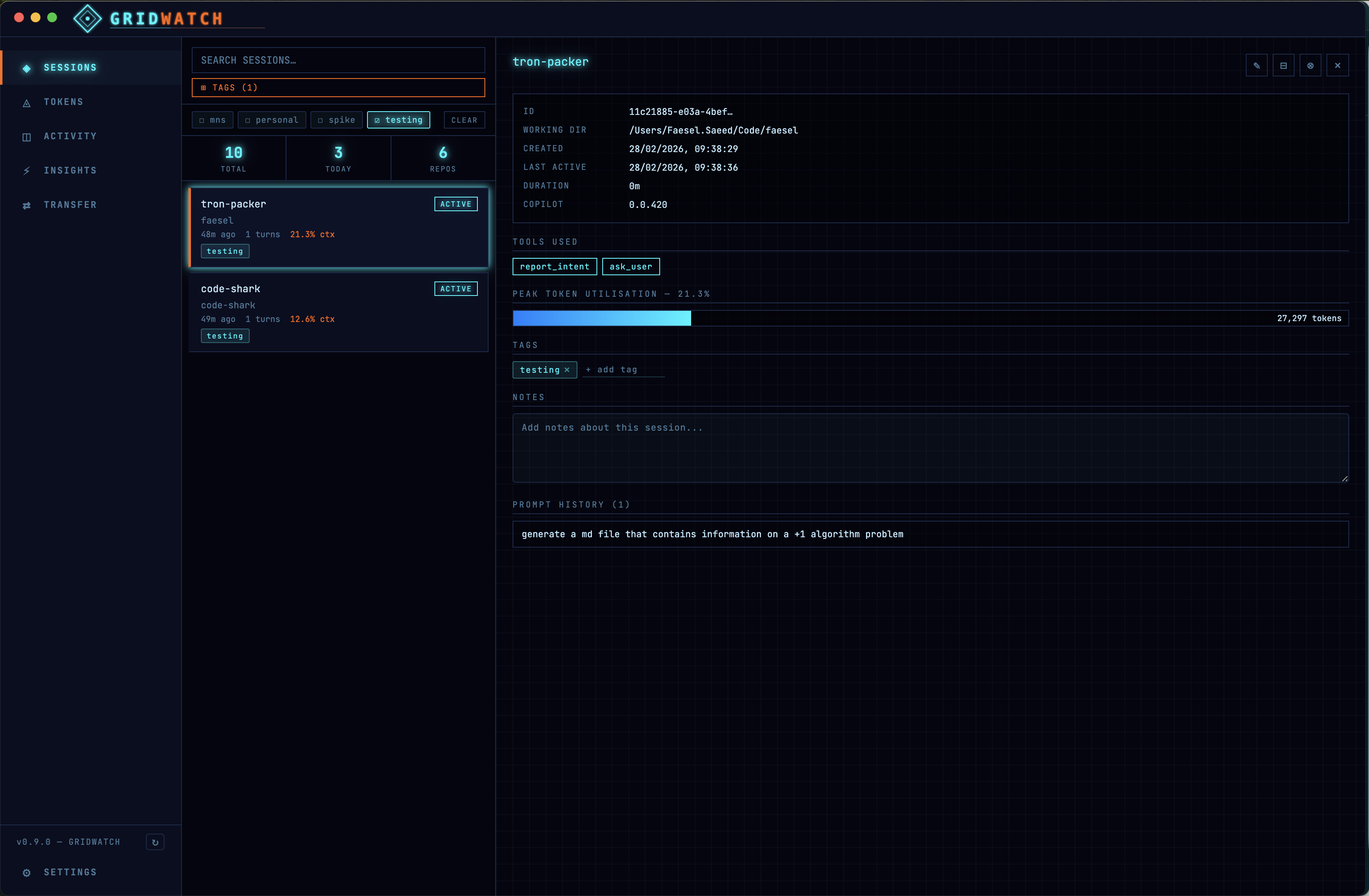
GridWatch scans the Copilot CLI session directories and parses workspace.yaml, events.jsonl, rewind snapshots, and log files to surface:
- Session list with search, tag filtering, and status indicators
(active/recent/old), captures every message you sent in a session, with model badges showing whether it was a premium request. - Token usage charts — line graphs tracking token consumption over time, bar
charts for daily usage, and per-session peak utilisation - Activity heatmap — a GitHub-style contribution grid showing when you're most
active with Copilot - Insights — Gives you insights on your prompts and gives you suggestions on how to improve them. You also get scored!
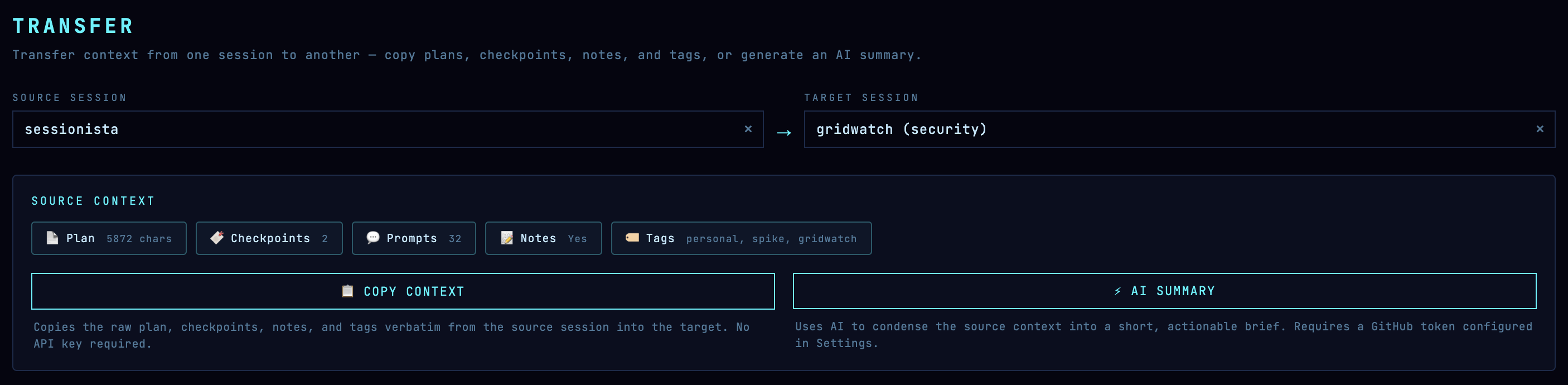
- Session Transfers — Lets you transfer the context of a session from one session to the other.
You can see more screenshots here
My favorite feature of all is the session transfers. If you do planning in one session and then you want to transfer it to another session, there's not really a way to do this. Gridwatch has these feature and works by compacting a plan of the session into an MD file and then transfers it into the other session copilot folder ~/.copilot/session-state/8b78b4f4-5804-4671-8540-5648f92786ed/transfer-2026-02-28T08 -54-40.md
Everything runs locally. GridWatch only reads Copilot's files and never sends data anywhere. For insights there is a requirement for a github classic token.
The stack
I went with Electron + React 19 + TypeScript + Vite for the app shell, I mostly went with electron because I have past experience with the framework and I know React extensively. Charts are rendered with Recharts. Styling uses CSS Modules with a set of CSS custom properties for the theme.
The architecture follows the standard Electron process model — the main process handles all file system access and IPC, the preload script exposes a typed API bridge, and the renderer is a pure React app with no direct Node.js access.
Design choices
The visual theme is inspired by Tron — neon cyan and electric blue accents on near-black backgrounds. Why tron? well ... all these AI processes felt like the programs from the movies.
Check out the red programs theme: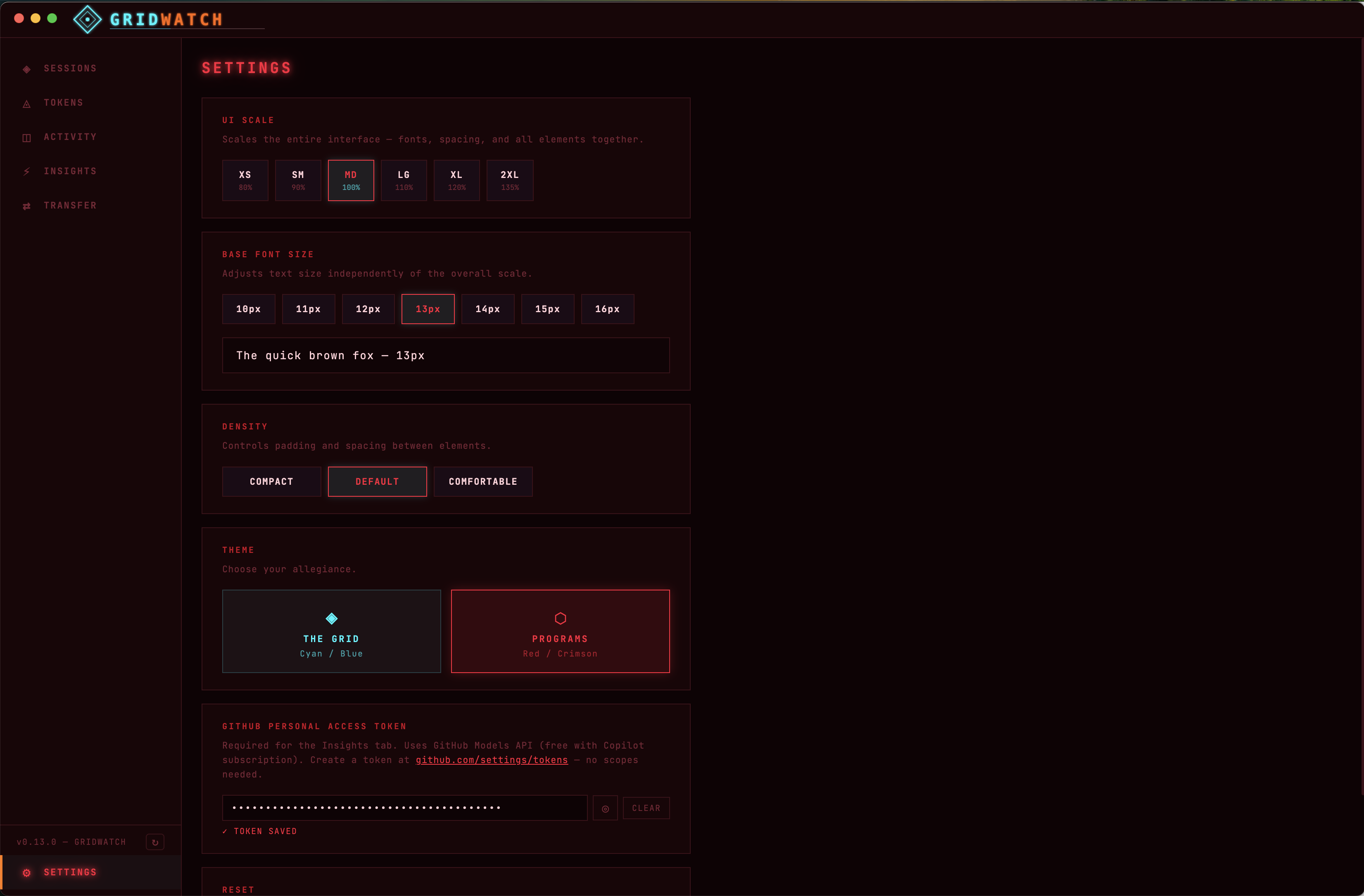
Optional Credentials
The app does store the users API key (git classic token) which is used for analysing the users prompts and how good they are.
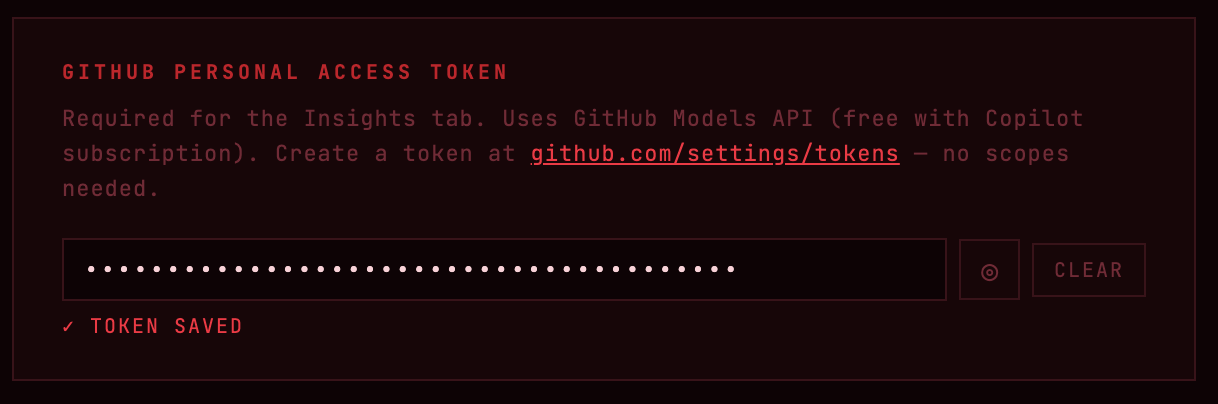
For security, the preload script only exposes specific typed methods (no generic ipcRenderer access). All IPC handlers validate session IDs as UUIDs and guard against path traversal. API keys are encrypted using Electron's safeStorage (macOS Keychain / Windows DPAPI) rather than stored in plaintext.
The credentials are not needed if your not going to make use of the insight tab.
What's next
The tool is free to use, but I might extend it so that it gets approved in the Mac and Windows app stores and just becomes readily available for any engineer to use for free.
The project is open source — check it out on GitHub if you're interested. Feedback and feature ideas are welcome!
Comments